Using Excess Solar to Heat Our Hot Water — Our Second Home Assistant Automation
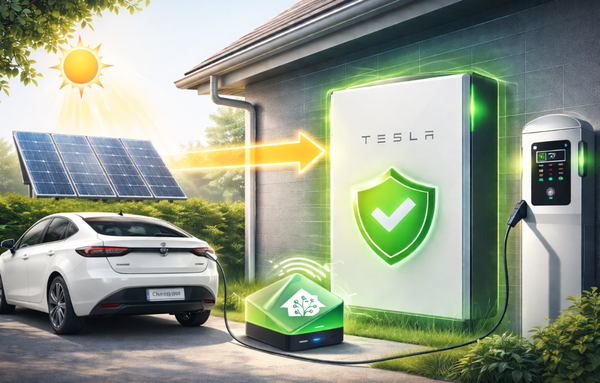
Our battery was full, solar was still generating, and we were exporting for nothing. So we built a Home Assistant automation to divert excess solar into heating our hot water tank instead.

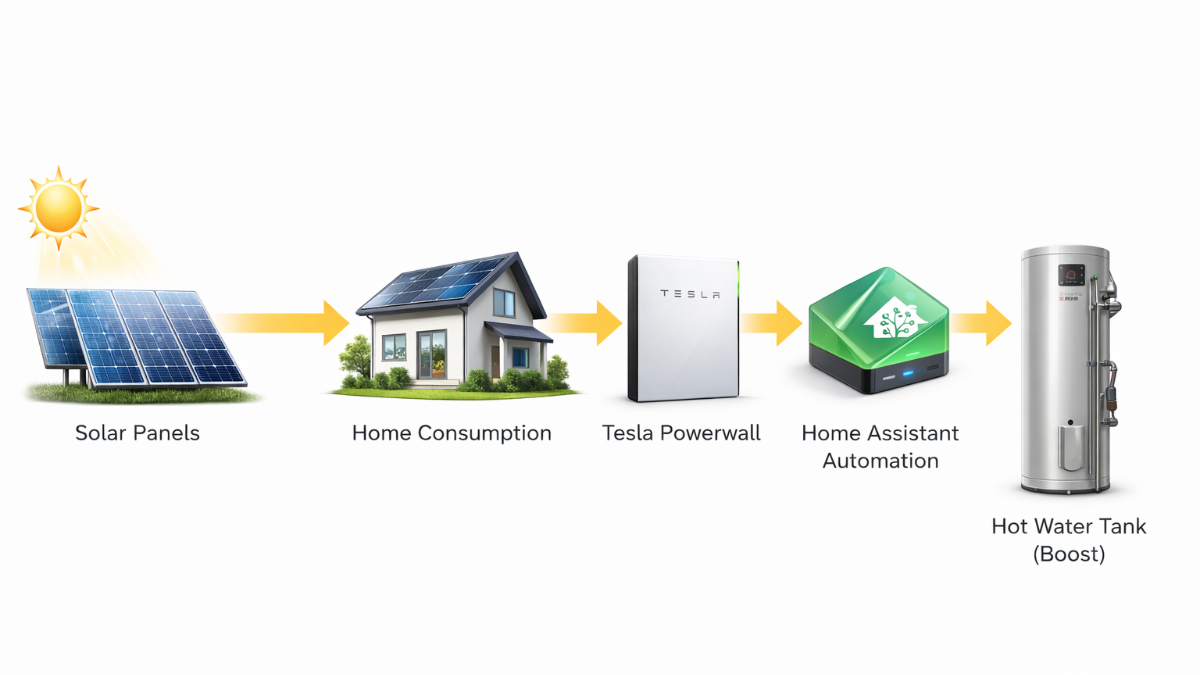
Our first Home Assistant automation was about protecting the Powerwall from daytime EV charges. It took a while to figure out, but it worked — and more importantly, it taught us how automations actually come together. So when we spotted another opportunity to make better use of our solar, we already had the confidence (and the integrations) to have a go.
This time, the idea was simple: instead of exporting excess solar to the grid for nothing (whilst we await our MPAN), use it to heat the hot water tank.
The Problem We Wanted to Solve
Our system has a natural priority order. Solar generation powers the house first, then charges the Powerwall, and anything left over gets exported to the grid. On a decent day — and we're starting to get more of those now — the battery fills up and we're left pushing electricity back to the grid.
The issue is that we still don't have an export MPAN or an export contract in place (that saga continues). So right now, every kilowatt we export is essentially given away for free. Even once we do get an export tariff, the rates are modest. There had to be a better use for that energy.
We have a Mitsubishi Ecodan heat pump that heats our domestic hot water tank. It normally runs on its own schedule. But if we could tell it to boost the hot water when we've got excess solar, we'd be using our own free electricity instead of exporting it — and the tank would be topped up without costing us anything.
What We Needed
The key question was whether Home Assistant could actually control the hot water tank. The answer, it turned out, was yes — through the MELCloud integration, which connects to the Mitsubishi system. Once that was set up, Home Assistant could see the hot water tank and switch it between its normal auto mode and a force hot water boost mode.
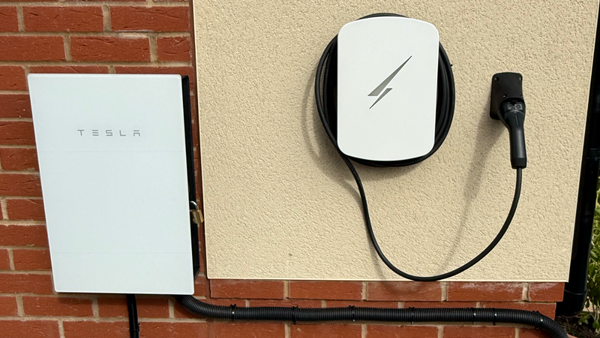
Combined with the Tesla integration we already had from our first automation, Home Assistant could see everything we needed: how much solar we were generating, what the battery charge level was, whether we were exporting to the grid, and the current state of the hot water tank.
Working Out the Logic
We wanted the automation to be cautious rather than aggressive. The conditions for triggering a hot water boost needed to be:
The Powerwall is above 98% — so it's essentially full and we're not stealing energy the battery could use. Solar generation is above 1,500W and has been for at least 5 minutes — so it's a sustained period of strong generation, not a brief spike between clouds. We're actively exporting to the grid — confirming there's genuine surplus. And the hot water isn't already being boosted.
When all of those conditions are met, Home Assistant tells the heat pump to start a hot water boost.
On the flip side, if solar drops below 1,200W for more than 3 minutes, the automation stops the boost and puts the system back to its normal schedule. We deliberately set the stop threshold lower than the start threshold to avoid the automation flickering on and off around the same number.
Dealing with Cloud Cover
Solar fluctuates. One minute we're generating 3kW, the next a cloud rolls over and we're down to 500W. Without some protection, the automation could end up starting and stopping the hot water boost every few minutes — which isn't good for our system and wastes energy on repeated heat-up cycles.
To handle this, we created a cooldown timer. Once the automation stops a boost, it can't restart for one hour. That means even if the sun comes back quickly, the system waits before trying again. It's a simple safeguard, but it makes the whole thing much more stable.
Building It — Second Time Around
This was noticeably easier than our first automation. We still used ChatGPT to help with the YAML and the structure, but the difference this time was that we knew where to look. We knew how to find entity IDs in Developer Tools, we understood how triggers and conditions work, and we were able to catch things and make suggestions rather than just following instructions blindly.
The MELCloud integration was new territory, but setting it up was straightforward — it connected to our Mitsubishi account and exposed the hot water tank as a controllable entity. We tested the boost manually first using Developer Tools to make sure Home Assistant could actually trigger it before building the automation around it.
The whole thing came together in a fraction of the time the first one took. That learning curve from automation number one paid off.
Has It Worked?
We've only just installed it, so we haven't had the right conditions to see it fire in yet. We've tested it manually and everything behaves as expected — the boost starts, the hot water heats, and it returns to auto when we stop it. The cooldown timer works too.
Now we just need a decent sunny day with a full battery. At this time of year that's not guaranteed, but we're getting closer. We'll update this post once it's had a proper real-world run.
The Bigger Picture
What we like about this automation is that it fits neatly into our overall energy strategy. The Powerwall protection automation stops the battery from being drained by daytime EV charges. This one makes sure excess solar doesn't go to waste once the battery is full. Together, they mean more of our solar generation stays in the house — either stored in the battery, used to charge the cars, or now heating our water.
Neither automation is particularly complex. The logic is straightforward and the integrations do the heavy lifting. But the impact is real. Once the hot water automation is running regularly through spring and summer, we should see a meaningful reduction in the energy the heat pump uses from the grid — because the tank will already be topped up from solar during the day.
What We Learned
The biggest takeaway from this second automation is that the first one is the hardest. Once you understand how Home Assistant automations are structured — triggers, conditions, actions — the second one comes together much faster. You know where to find things, you know how to test them, and you start spotting opportunities yourself rather than just following a guide.
If you've built one automation and thought "that was painful," don't stop there. The second one is where it starts to click.
What's Next
We've got a growing list of automation ideas now. The obvious next step is something around EV charging and solar — using excess generation to trigger a charge when conditions are right, similar in concept to what we've done here with hot water. We're also thinking about seasonal adjustments, since the thresholds that make sense in March won't necessarily be right in July when we're generating three times as much.
We'll keep documenting each one as we build them. If you've got a similar setup and you're doing something clever with your automations, we'd love to hear about it.